Login history
A new device at an odd hour
Your archive lists every login with device, IP and network. A device that appears once, on a network you never use, is the trace a takeover leaves.
Open my report →No site can open a TikTok account from a username. Accounts are taken through a code TikTok sent you, a reused password or an app you let in. Check yours below and close the door in three screens.
Check my accountHow takeovers happen
Profile checkerNewcheck a TikTok profile by usernameReconstructions · sample data
Two-minute check
These are the signs TikTok’s own Help Center lists. Tick what you see — your answers stay in this browser.
Your result
“TikTok hacker” sites and apps
Searches like how to hack a TikTok account or TikTok password hack lead to the same few kinds of offers. None of them gets into an account the way it claims.
“Enter any @username and get the password.”
A username is public. It doesn’t unlock anything, and TikTok doesn’t hand passwords to anyone — not even to the owner. Sites like this show a fake progress bar, then ask you to pay or to “verify” with your own login.
“Free followers or coins — just log in.”
This is the most common trap: the site collects your username and password, or the code TikTok sends you, and uses them to take your account. Generators don’t add followers; they add risk.
“Download our TikTok hack tool / APK.”
Unofficial apps and files can carry malware that reads what you type. Whoever installs one usually loses access to their own accounts first.
“Professional TikTok hacker for hire.”
Paying for access to someone else’s account is a scam at best and a crime at worst. The usual result: the money is gone and nothing is delivered.
How takeovers happen
Takeovers don’t need special tools. They rely on getting something from the owner. Each path below ends where the owner keeps that thing to themselves.

See it on your account
Login history
Your archive lists every login with device, IP and network. A device that appears once, on a network you never use, is the trace a takeover leaves.
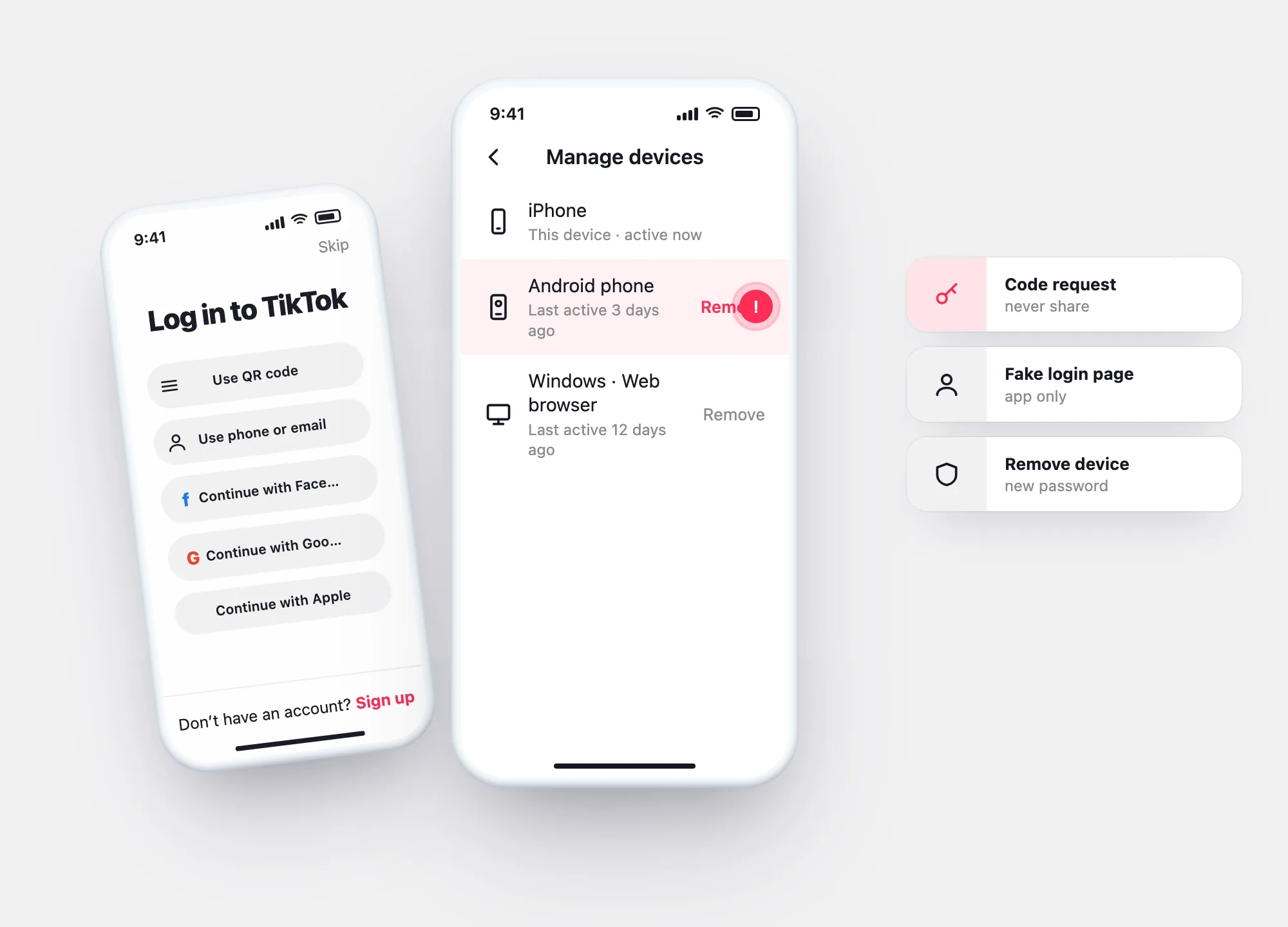
Open my report →Manage devices
TikTok’s list of devices on your account. Remove anything you don’t recognise — that signs it out.
Lock it down →Method by method
| Method | What it needs from you | What stops it |
|---|---|---|
| Code request (“send me the code”) | The code TikTok texted or emailed you | Never share codes No real person or service needs it. |
| Password reuse | A password you used on another site | Unique password plus 2-step verification. |
| Fake login page or “generator” | You typing your login on their page | Log in only in the app or on tiktok.com. |
| Open session on a device | A phone or computer you left signed in | Manage devices — remove what you don’t use. |
| “Enter a username” tool | Nothing — it doesn’t work | Doesn’t work Close the page; don’t pay, don’t log in. |
Lock it down
TikTok’s own steps from its Help Center. Open Profile → ☰ → Settings and privacy.
Open Manage devices.
Remove every device you don’t recognise.
Back in Account, change your Password; check Account information for your own phone number.
Questions