
Profile checkerNew

See who viewed my TikTok profile: what TikTok shows, and to whom

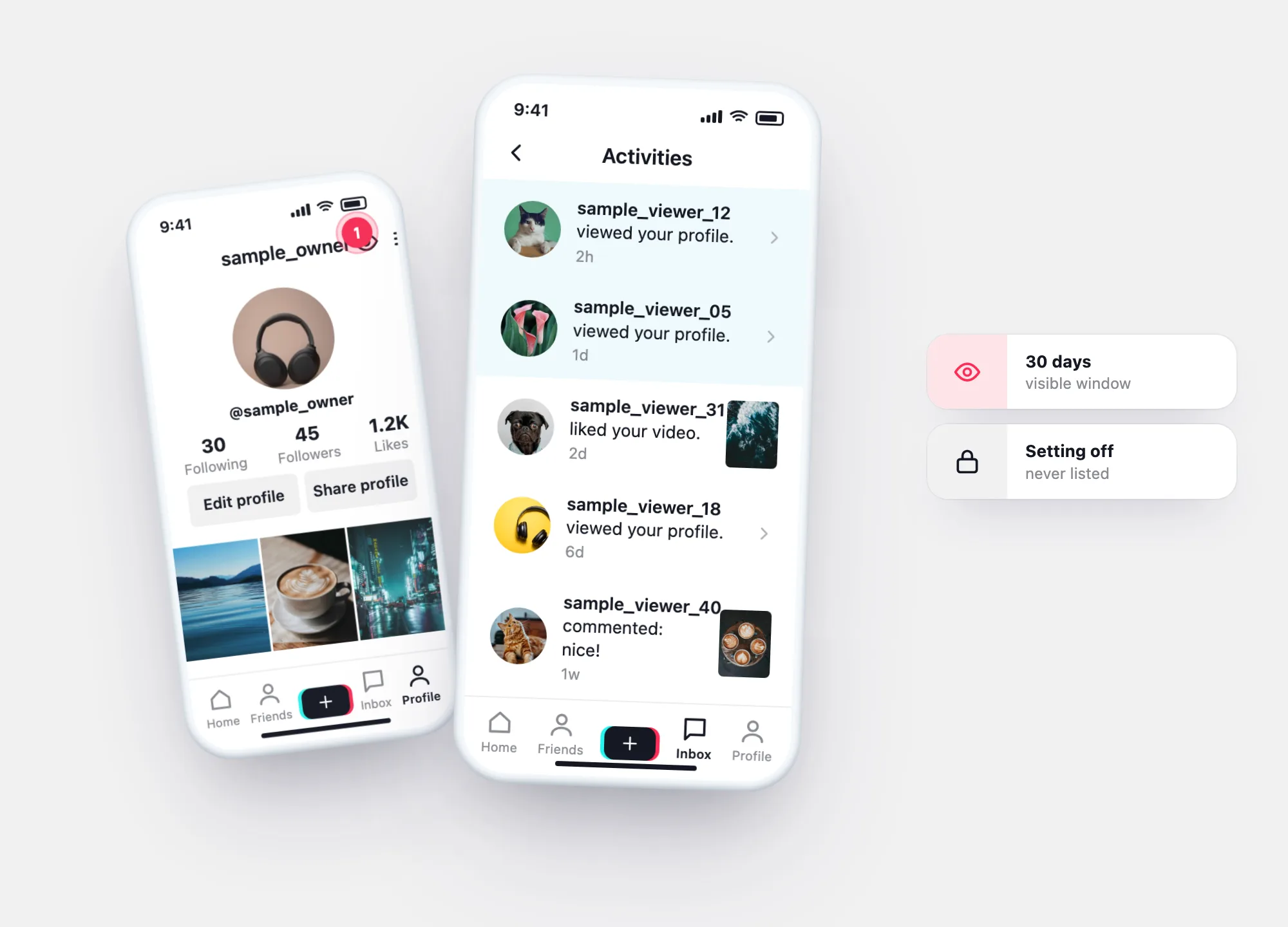
TikTok’s profile view history shows who viewed your profile in the past 30 days — only viewers who also turned it on, and only if you’re 16+ with under 5,000 followers. Check if you can use it.

Check if I can see profile viewsWhat viewer apps really do

Profile checkerNewcheck a TikTok profile by username

Two-minute check

Can you see who viewed your TikTok profile?

Tick what’s true. All three are TikTok’s own conditions; if one is missing, the list stays empty or the setting doesn’t appear.

Your result

How it works

Profile view history works both ways

Turning profile view history on does two things at once: you see accounts that viewed your profile, and accounts you view can see your visit — if their setting is on too. Turning it off hides both directions.

That is why the list is never complete: anyone who keeps the setting off can view your profile without appearing, and you can do the same.

  • Window: the past 30 days.
  • Who appears: only accounts with profile view history on.
  • Who can use it: 16+, fewer than 5,000 followers.
  • Default: off.

The 30-day window

Who appears in the list — and who never will

The list covers one rolling window: the past 30 days. Inside it, only visits from accounts with profile view history on are shown. Visits from accounts with the setting off never appear, and anything older than 30 days drops out.

  • Shown: visits in the last 30 days from accounts with the setting on.
  • Never shown: visits from accounts with the setting off.
  • Dropped: visits older than 30 days.
Timeline of TikTok profile view history: visits in the last 30 days from accounts with the setting on are shown, dashed visits with the setting off are hidden, older visits fall outside the window
Solid cyan — visits you see. Dashed red — visits from accounts with the setting off, never listed. Grey — older than 30 days, no longer in the list.

Settings

Three ways to open profile views

TikTok’s Help Center lists three routes to the same setting. It is off by default.

1From settings

Profile → ☰ → Settings and privacy → Privacy → Profile views.

2From your inbox

Inbox → Activities → tap a profile view notification, then the Settings button.

3From your profile

Profile → the Profile views button at the top → Settings.

Empty list?

Why someone who viewed your profile isn’t on the list

What you seeMost likely reasonWhat you can do
The list is emptyNobody with the setting on viewed you in 30 days — or your own setting is off.Check your setting; wait for new visits.
A friend says they looked, but isn’t listedTheir profile view history is off.Nothing; the feature only works between accounts that both have it on.
The Profile views button disappearedYou passed 5,000 followers, or the setting is unavailable for your account.TikTok doesn’t offer the list above that threshold.
Visits older than a month are goneThe history covers 30 days.Note visits you care about; older ones aren’t kept in this list.

Viewer and stalker apps

“Who viewed my TikTok” apps and anonymous viewers: what they claim

Searches for profile views lead to apps promising more than TikTok shows. TikTok’s Help Center describes only its built-in profile view history; nothing there suggests outside apps can see more.

What the ad says

“See everyone who viewed your profile, even with the setting off.”

What actually happens

TikTok shows visits only from accounts that have profile view history on. An app that lists more is guessing — often from who liked or commented — or inventing names.

What the ad says

“Top stalkers who visit your profile the most.”

What actually happens

Rankings like this are usually built from public interactions such as likes and comments, not from profile visits.

What the ad says

“Log in with TikTok to unlock your viewers.”

What actually happens

Giving an outside app your login or a code you received is the most common way accounts get taken over. If you connected one already, remove it in Security & permissions.

What the ad says

“Watch any profile anonymously.”

What actually happens

Viewing someone without appearing in their list is how TikTok already works when your own profile view history is off — no app needed.

Other signals

What else tells you who’s looking

Profile view history

Visits from the past 30 days

Only from accounts with the setting on — the same rule applies to your own visits.

Unfollow tracker

Who left and who’s new

Your archive lists followers with the date they followed. Compare two archives and the report shows who unfollowed you.

How the unfollow tracker works →

Questions

Profile view questions

Can you see who viewed your TikTok profile?
Yes, with profile view history on — for the past 30 days, from accounts that also have it on, if you’re 16+ and have fewer than 5,000 followers.
If I view someone’s TikTok, will they know?
Only if both of you have profile view history on. With your setting off, your visit doesn’t appear in their list.
Why can’t I see profile views on TikTok?
The setting may be off, you may be under 16, or your account may have 5,000 followers or more — TikTok doesn’t offer the feature then.
Do TikTok profile viewer apps work?
TikTok’s Help Center describes only its own profile view history. Apps that promise more rely on public interactions or guesswork, and those asking for your login put your account at risk.
Can I see who viewed my TikTok videos?
TikTok has a separate post view history feature; it has its own conditions, described in TikTok’s Help Center.
Open my report