Manage devices
Who is signed in right now
Devices with an active session. Remove what isn’t yours.
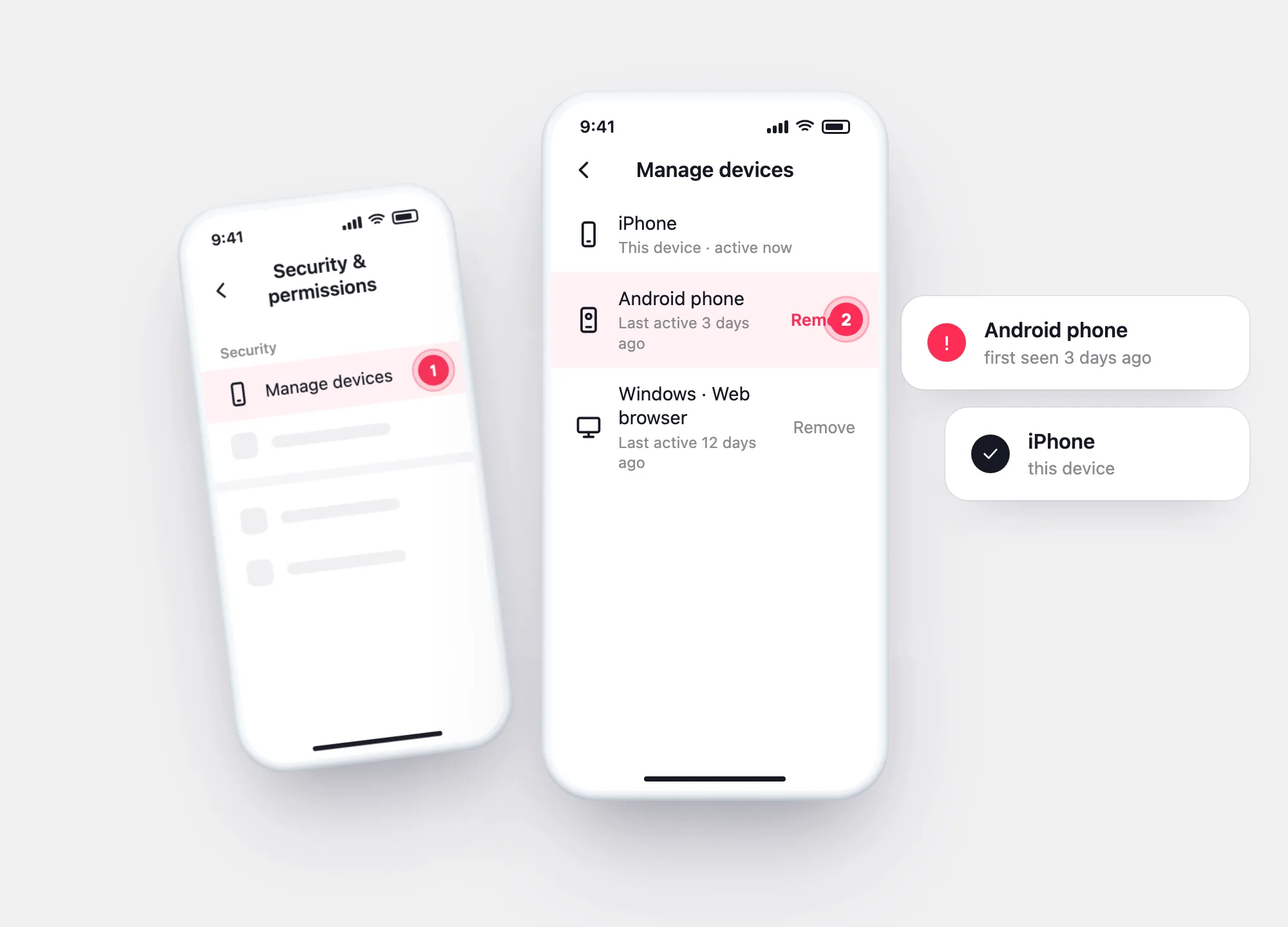
TikTok lists the devices signed in to your account under Security & permissions → Manage devices. Removing one signs it out. Your archive goes further: every past login, with IP and network.
Show me the screensPast logins
Profile checkerNewcheck a TikTok profile by usernameRemove a device
From Profile → ☰ → Settings and privacy.
The list of devices signed in to your account.
Remove every device you don’t recognise, then change your password.
Two views
Manage devices
Devices with an active session. Remove what isn’t yours.
Login history
Date, IP, device, network — from your data download.
Login history →After removing
A removed device can sign in again if it still knows your password.

Questions