TikTok account hacked? Secure what you still control — then get back in
Still logged in somewhere? Change the password, check the phone number and remove unknown devices now. Locked out? Start from Forgot password? on the login screen. Both routes are TikTok’s own.
Pick my routeSee when it happened
Profile checkerNewcheck a TikTok profile by usernameYour situation
Are you still logged in anywhere?
Act now, in this order, from Profile → ☰ → Settings and privacy:
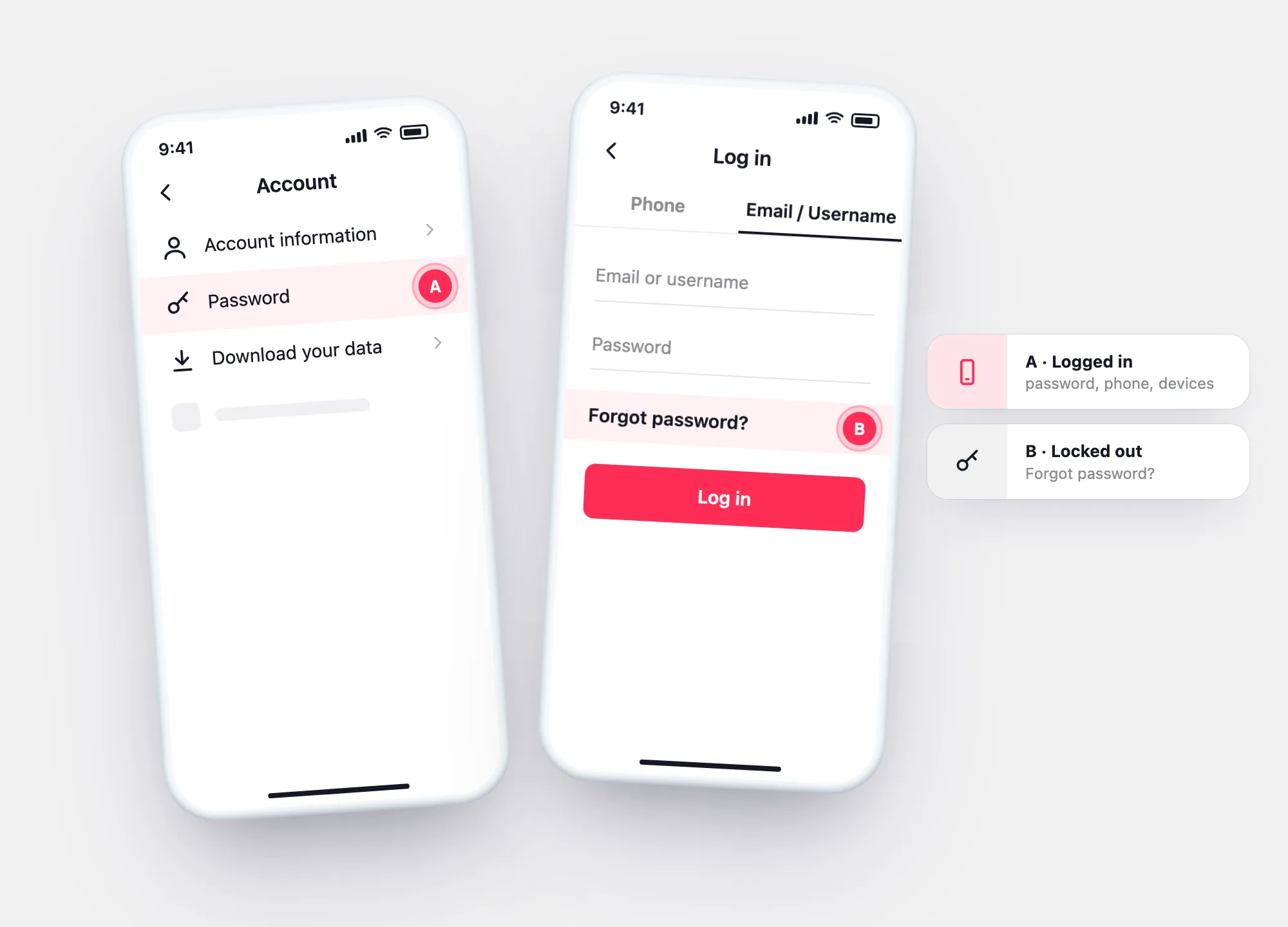
1. Account → Password: set a new, unique password. 2. Account → Account information → Phone number: make sure it’s yours. 3. Security & permissions → Manage devices: remove every device you don’t recognise.
Show me the screensOn the TikTok login screen: Use phone/email/username → Email/Username → Forgot password?, then reset with your phone number or email.
If the email and phone on the account were changed too, the reset goes to them — see the recovery routes for what else TikTok offers.
Recovery routesCheck TikTok’s signs: a changed password, phone, username or nickname, posts you didn’t make, messages you didn’t send.
Your archive’s login history shows every device and network that signed in.
Check the signs +
Signs
Was it really hacked?
The signs TikTok’s Help Center lists. Tick what you see.
Your result
Still logged in
Lock it down in three screens
From Profile → ☰ → Settings and privacy.
Account → Password. Unique, not used anywhere else.
Security & permissions → Manage devices.
Removing a device signs it out.
Locked out
Reset the password from the login screen
TikTok’s Help Center route when you’re not logged in.
On the login screen, choose the phone, email or username option.
Switch to Email/Username, tap Forgot password? and reset by phone or email.
After you’re back
See when it happened — and from where
Once you’re in, download your data and open it here. The login history shows the first login from a device or network you don’t know: when the takeover started and what to check since then — messages sent, posts made, settings changed.
- Date and device of the unknown login
- IP range and network it came from
- Followers lost or gained since
Questions