TikTok login history: every device that signed in
Your data archive lists every login — date, IP address, device, system, network and carrier. Open it here and see which ones were yours.
Drop the ZIP or .json from TikTok’s Download your data. Add a second, older archive to compare followers.
| Date and time | Device | System | IP address | Network | Status |
|---|---|---|---|---|---|
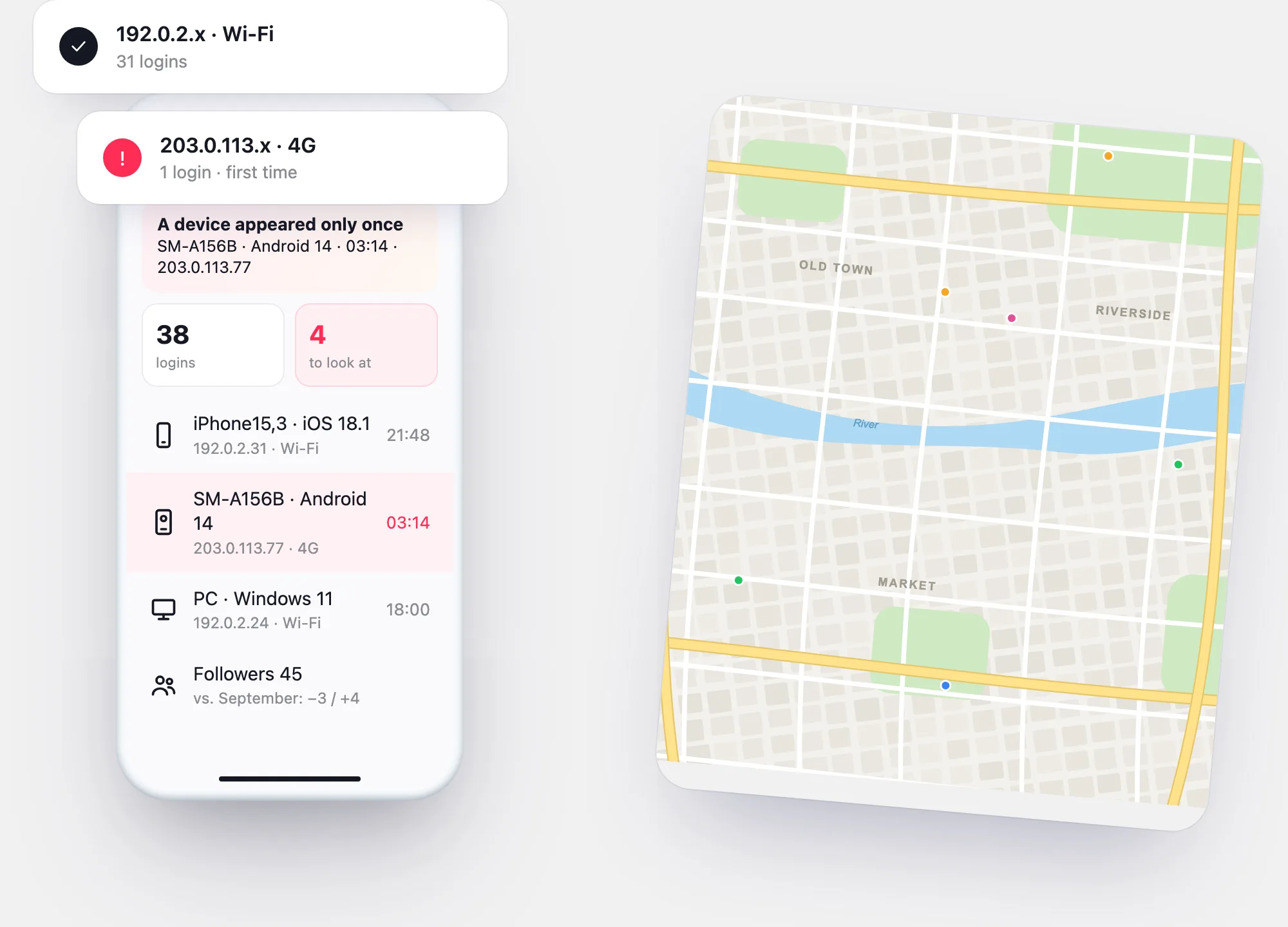
| Jan 14, 03:14 | SM-A156B | Android 14 | 203.0.113.77 | 4G · Example Mobile | New device |
| Jan 13, 21:48 | iPhone15,3 | iOS 18.1 | 192.0.2.31 | Wi-Fi | Seen before |
| Jan 12, 18:00 | PC | Windows 11 | 192.0.2.24 | Wi-Fi | Seen before |
| Jan 11, 08:12 | iPhone15,3 | iOS 18.1 | 198.51.100.9 | 5G · Example Mobile | Seen before |
Each row is one login from the archive; the first time a device appears, it’s marked. Sample data. No city column: the archive has IP addresses, not places, and looking a place up would mean sending your IP to another service.
Your login history
Every login, newest first, with the ones to check flagged
Open your archive with the button above, or try the sample. The first time a device, a network or a carrier appears, the report flags it.
Your report will appear here. Try the sample — a made-up account with one login that isn’t the owner’s — or open your own file with the button at the top.
What it records
Six fields for every login
TikTok’s developer documentation lists the fields of the Login History category. The report uses all six:
- Date — when the login happened, as recorded in the file
- IP address — the network the login came from; it points to a provider and a rough area
- Device model and system — for example a phone model code and its OS version
- Network type and carrier — Wi-Fi or mobile data, and the mobile operator
Two places to look
Manage devices vs. login history: what each shows
| Manage devices (in the app) | Login history (in your archive) | |
|---|---|---|
| What it lists | Devices signed in to your account now | Every login TikTok recorded, including ones no longer signed in |
| Details | Device and last activity | Date, IP address, device model, system, network, carrier |
| What you can do | Remove a device — that signs it out | See when an unknown device first appeared and from which network |
| Where | Settings and privacy › Security & permissions | Account › Download your data → open the file here |
Use both: the archive tells you what happened, Manage devices is where you stop it.
Get the archive
Download the file with your login history
Choose JSON. TikTok prepares the file — it can take a few days — and keeps it ready for 4 days.
Profile → ☰ → Settings and privacy → Account.
Pick what to include; all data gives the fullest report.
When it’s ready, download it under Download data and open it here.
Activity checkers
“TikTok activity checker” and “last active” sites
Some sites promise to show anyone’s login activity or when they were last online.
“Check any account’s login history.”
Login history is in the account owner’s own data download. TikTok describes no way for anyone else to see it.
“See when someone was last active.”
TikTok has an Activity status setting that each person controls in their own privacy settings. An outside site can only see what the account itself shows.
“Get alerts when they log in.”
Alerts about logins go to the account owner. A service asking for someone else’s login to “connect” is asking for access it shouldn’t have.
Questions